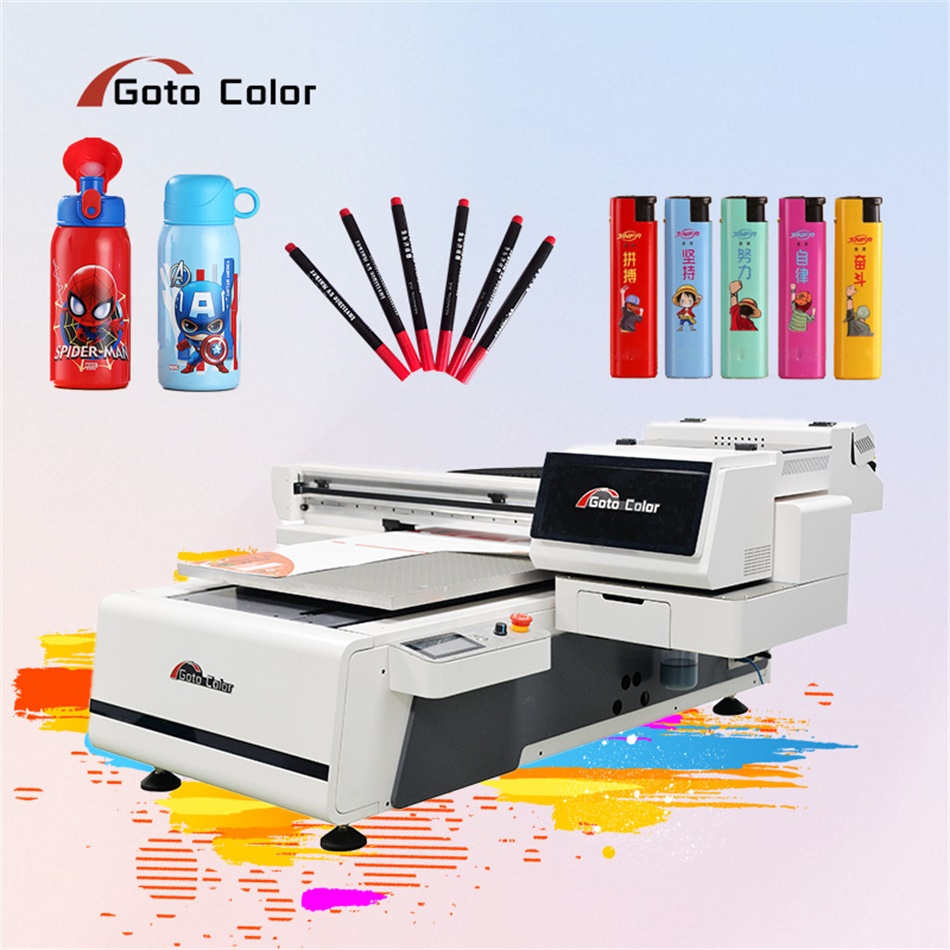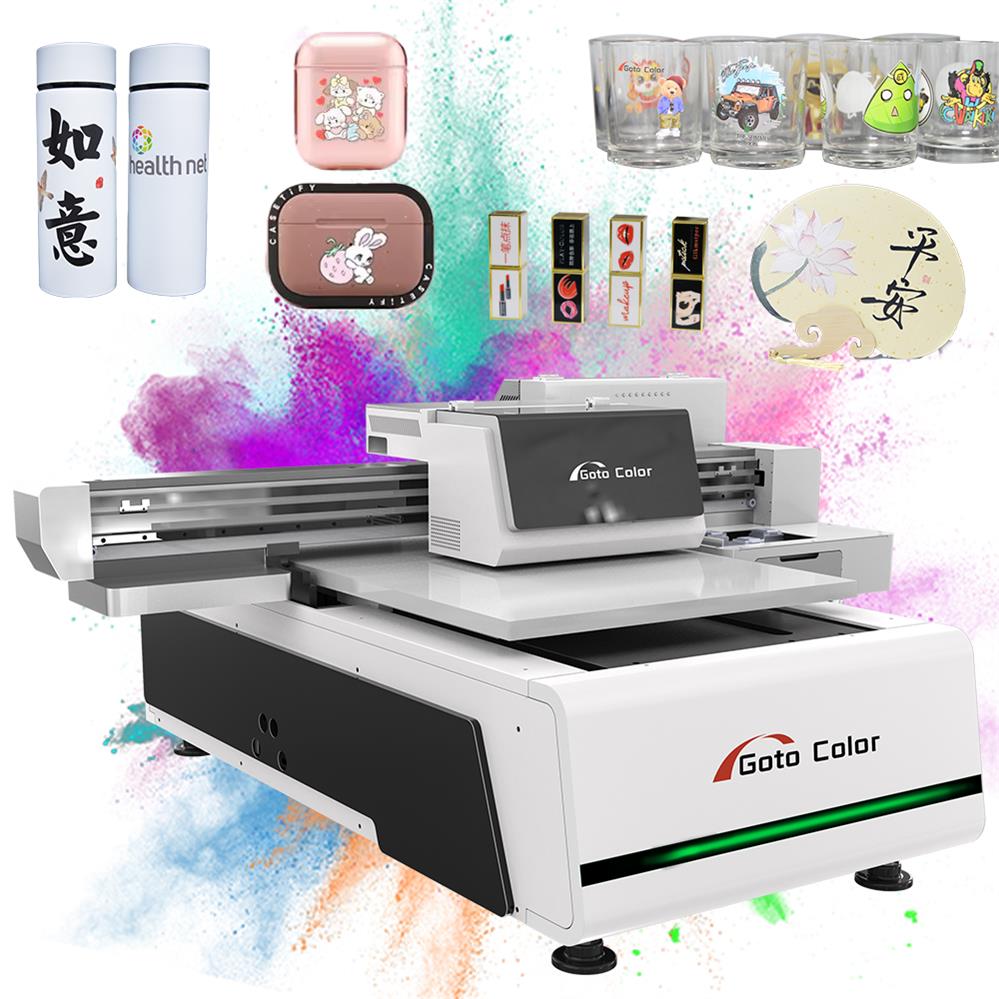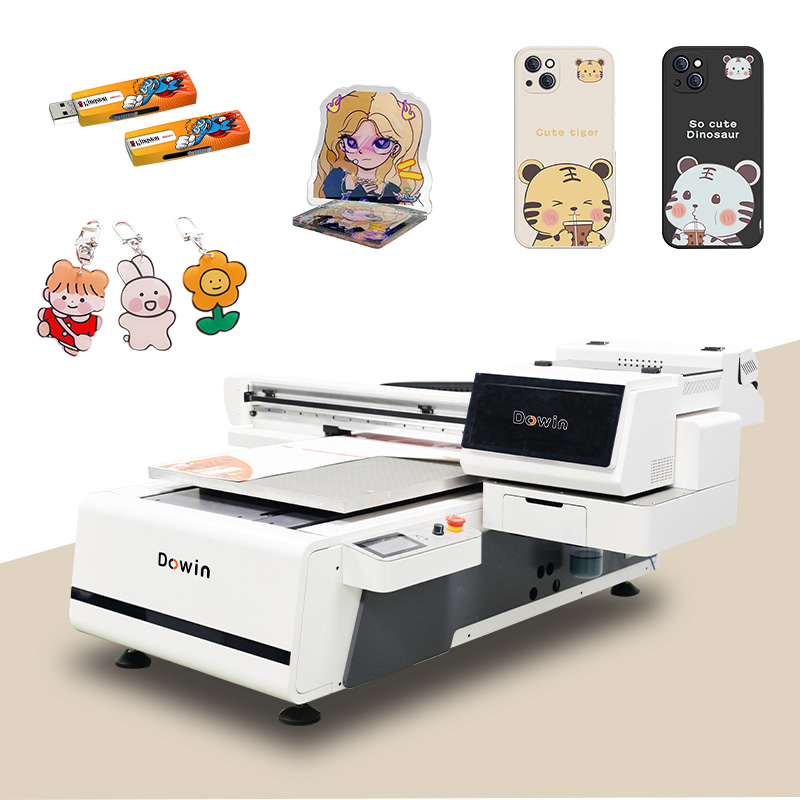
When selecting a UV printer specifically for acrylic materials, precision, ink adhesion, and white ink performance are critical. Based on current market analysis and technical specifications, here are the top recommended models for acrylic printing, with a special focus on the standout performer in the mid-range category.
Contents
Why UV Printing for Acrylic?
Acrylic (PMMA) presents unique printing challenges: it’s non-porous, prone to static, and requires excellent ink adhesion for durability. UV printers excel because:
- Instant curing prevents ink spreading on smooth surfaces
- Varnish/lacquer options create protective layers
- White ink opacity is crucial for designs on clear/transparent acrylic
- Precision alignment ensures sharp edges on dimensional materials
Top Recommended UV Printers for Acrylic
1. Dowin GT-6090 Flatbed Printer (Top Recommendation)
| Specification | Details |
|---|---|
| Print Area | 600×900mm (23.6″×35.4″) |
| Print Heads | 3× Ricoh Gen6 industrial piezoelectric |
| Ink Channels | CMYK + White + Varnish (6 channels standard) |
| Key Advantage | Specialized acrylic mode with optimized curing & adhesion |
| Best For | Mid-volume professional shops, sign manufacturers, display producers |
| Price Range | $7,500 – $12,000 |
Why Dowin 6090 Stands Out for Acrylic:
Dowin has developed specific technology advantages for acrylic printing that make their 6090 model particularly suitable:
- Dedicated Acrylic Printing Mode
- Optimized UV curing intensity for different acrylic thicknesses
- Temperature-controlled vacuum bed minimizes static buildup
- Specialized ICC color profiles for accurate color matching on acrylic surfaces
- Superior White Ink System
- Dual circulation system prevents settling in white ink channels
- Capable of printing opaque white in single pass on clear acrylic
- Adjustable white ink density for transparent, translucent, or opaque effects
- Advanced Registration System
- High-precision optical sensors for perfect multi-layer registration
- Critical for double-sided acrylic printing applications
- Automatic thickness detection (0.1mm accuracy) for variable material heights
Performance Metrics for Acrylic:
- Print Resolution: Up to 1200×1200 DPI for photographic quality
- Production Speed: 15㎡/hour in standard mode, 8㎡/hour in high-quality mode
- Acrylic Thickness Range: 3mm to 50mm (with adjustable Z-axis)
- Adhesion Test Results: 5B rating on ASTM D3359 cross-hatch test
- Weather Resistance: 2+ years outdoors without significant fading
2. Roland VersaUV LEF2-200 (Premium Choice)
| Specification | Details |
|---|---|
| Print Area | 610×610mm (24″×24″) |
| Print Technology | Eco-UV LED curing |
| Special Feature | Textured effects & spot varnish capabilities |
| Best For | Premium signage, architectural models, high-end displays |
| Price Range | $25,000 – $35,000 |
Acrylic Advantages:
- Unmatched print quality for fine detail reproduction
- Clear ink for gloss, matte, and textured effects
- Excellent for thin acrylic sheets (2-10mm)
3. Mimaki UJF-6042 MkII e (Production Workhorse)
| Specification | Details |
|---|---|
| Print Area | 600×420mm (23.6″×16.5″) |
| Ink Options | 8-color including fluorescent and clear |
| Special Feature | Automated height adjustment sensor |
| Best For | Production environments needing color accuracy |
| Price Range | $22,000 – $28,000 |
Acrylic Advantages:
- Exceptional color gamut for vibrant acrylic displays
- Reliable automated feeding systems for batch production
- Industry-leading color management software included
4. Vanguard VR5D (High-Volume Industrial)
| Specification | Details |
|---|---|
| Print Area | 1300×2500mm (51″×98″) |
| Print Speed | Up to 100 boards/hour in production mode |
| Special Feature | Dual-print carriage for simultaneous two-sided printing |
| Best For | Large-format acrylic production, trade printers |
| Price Range | $85,000 – $120,000 |
Acrylic Advantages:
- Unmatched production speed for volume acrylic printing
- True two-sided printing capability without flipping sheets
- Industrial reliability for 24/7 operation
5. Kingjet KJ-6090UV (Budget-Friendly Alternative)
| Specification | Details |
|---|---|
| Print Area | 600×900mm (same as Dowin) |
| Print Heads | 3× Epson DX7 |
| Price Advantage | Lower initial investment |
| Best For | Startups, businesses testing acrylic market |
| Price Range | $7,000 – $9,000 |
Acrylic Considerations:
- Good basic performance for acrylic
- May require more manual calibration
- White ink opacity may need multiple passes for full coverage
Technical Comparison Table
| Feature | Dowin 6090 | Roland LEF2 | Mimaki UJF | Vanguard VR5D | Kingjet 6090 |
|---|---|---|---|---|---|
| White Ink Opacity | Excellent | Very Good | Excellent | Excellent | Good |
| Registration Accuracy | ±0.1mm | ±0.05mm | ±0.1mm | ±0.15mm | ±0.2mm |
| Max Acrylic Thickness | 50mm | 100mm | 150mm | 100mm | 30mm |
| Production Speed | 15㎡/hour | 4.5㎡/hour | 6.2㎡/hour | 75㎡/hour | 12㎡/hour |
| Price Category | Mid-range | Premium | Premium | Industrial | Budget |
| Best Application | General acrylic work | Premium displays | Color-critical work | Volume production | Entry-level |
Why Dowin 6090 Has Special Advantages for Acrylic
1. Optimized Curing Technology
Dowin’s UV-LED curing system is specifically calibrated for acrylic’s light transmission properties. Unlike generic UV printers that may over-cure (causing brittleness) or under-cure (reducing adhesion) on acrylic, the 6090 has:
- Spectrum-tuned LEDs that match acrylic’s optimal curing wavelength
- Adjustable intensity based on acrylic color/transparency
- Post-curing options for maximum durability on outdoor applications
2. Advanced Static Control System
Acrylic’s tendency to generate static electricity attracts dust and affects ink application. Dowin addresses this with:
- Ionizing bar integrated into print carriage
- Anti-static vacuum bed surface
- Humidity monitoring with automatic adjustment recommendations
3. Specialized Ink Formulation
While Dowin uses standard UV inks, their recommended acrylic-specific formulation offers:
- Flexibility to accommodate acrylic’s thermal expansion/contraction
- Chemical bonding rather than just mechanical adhesion
- UV stabilizers for outdoor applications (2-5 year warranty against fading)
4. User-Friendly Workflow Features
- Automatic acrylic thickness detection via laser sensor
- Pre-loaded acrylic profiles for different brands (Plexiglas, Acrylite, etc.)
- Edge-spacing optimization to prevent cracking near material edges
- Batch printing software that accounts for acrylic’s thermal properties during long runs
Cost Analysis: Dowin 6090 for Acrylic Business
Initial Investment Breakdown
- Printer: $7,500
- Installation/Training: $500
- Initial Ink Set: $800
- Total Startup Cost: ~$8,800
Operating Costs (Monthly Estimate)
- Ink Consumption: $300-600 (depending on coverage)
- Maintenance Kit: $50
- Electricity: $40-80
- Total Monthly: $390-730
Profit Potential
- Typical Pricing: $25-40 per square foot for acrylic printing
- Monthly Capacity: 2,000-3,000 sq ft (single shift)
- Potential Monthly Revenue: $50,000 – $120,000
- ROI Timeline: 3-6 months for established businesses
Acrylic Printing Best Practices (Regardless of Printer)
- Material Preparation
- Clean with 99% isopropyl alcohol (not window cleaner)
- Remove protective film only after printing
- Store flat to prevent warping before printing
- Design Considerations
- Add 3mm bleed for edge-to-edge prints
- Use 120% white underbase for vibrant colors on clear acrylic
- Consider light transmission in design (especially for backlit applications)
- Post-Processing
- Allow 24-hour full cure before handling edges
- Use proper acrylic cutting tools (not standard glass cutters)
- Apply edge polish for premium finishes
Final Recommendation
For most businesses entering or expanding in acrylic printing, the Dowin GT-6090 offers the best balance of specialized features, productivity, and investment cost. Its acrylic-specific optimizations provide tangible benefits in print quality, adhesion, and production efficiency compared to generic UV printers in the same price range.
Consider alternatives when:
- Budget is primary constraint → Kingjet KJ-6090UV
- Ultimate print quality is paramount → Roland VersaUV LEF2
- Massive production volume needed → Vanguard VR5D
- Color accuracy is critical → Mimaki UJF series
Before purchasing any printer for acrylic work:
- Request a live demo printing on YOUR specific acrylic type/thickness
- Test adhesion using the cross-hatch method
- Verify outdoor durability claims if applicable to your applications
- Assess the supplier’s technical support responsiveness
The acrylic printing market continues to grow in signage, displays, interior decor, and industrial applications. Investing in the right UV printer technology can position your business to capture this profitable market with professional, durable results.