Contents
Key Decision Factors
Choosing the right UV printer requires analyzing your specific business needs. Consider these critical factors:
| Decision Factor | What to Ask Yourself | Why It Matters |
|---|---|---|
| Primary Applications | What materials/products will you print? | Determines needed ink system, bed type, and curing requirements |
| Production Volume | Daily/weekly output needs? | Impacts speed requirements, automation level, and durability |
| Budget Constraints | Total investment cap? | Balances features vs. cost; includes consumables and maintenance |
| Available Space | Workshop dimensions? | Affects printer size choice and workflow layout |
| Technical Expertise | Operator skill level? | Influences complexity of machine you can effectively manage |
Printer Types & Their Best Uses
Flatbed UV Printers
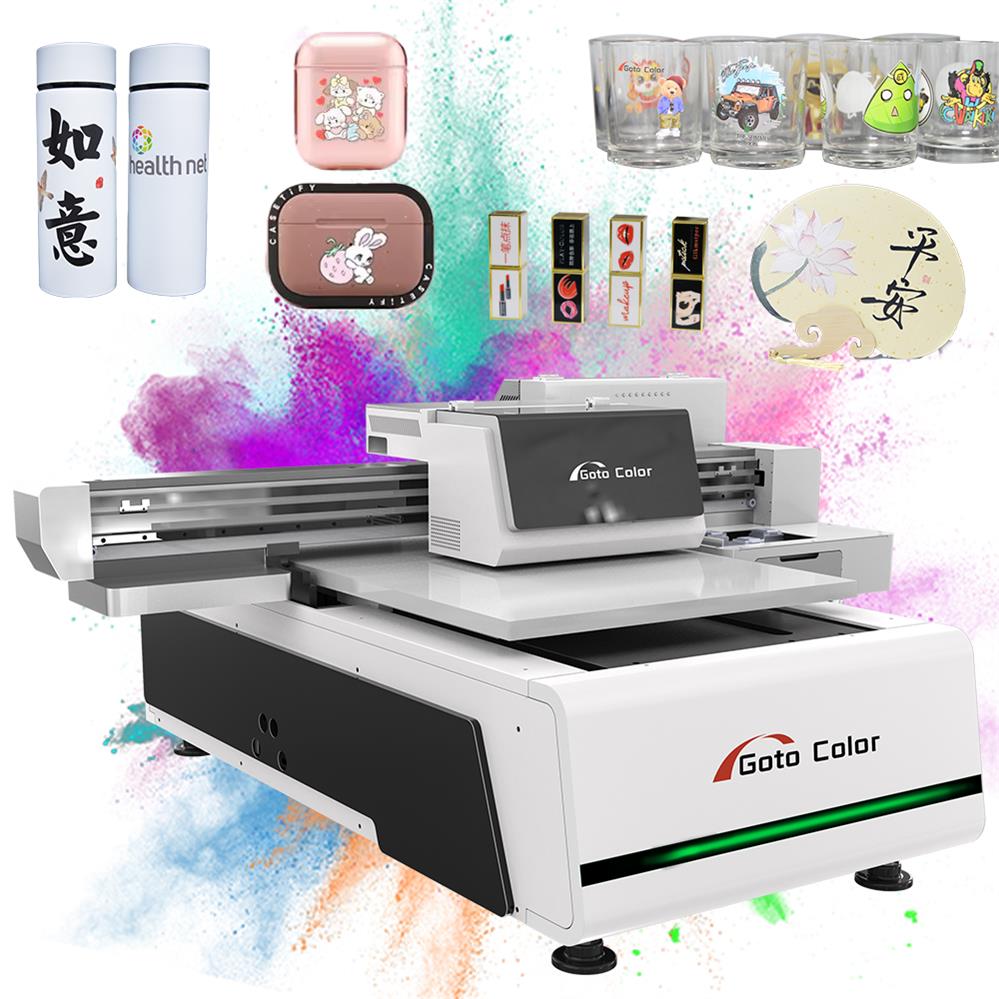
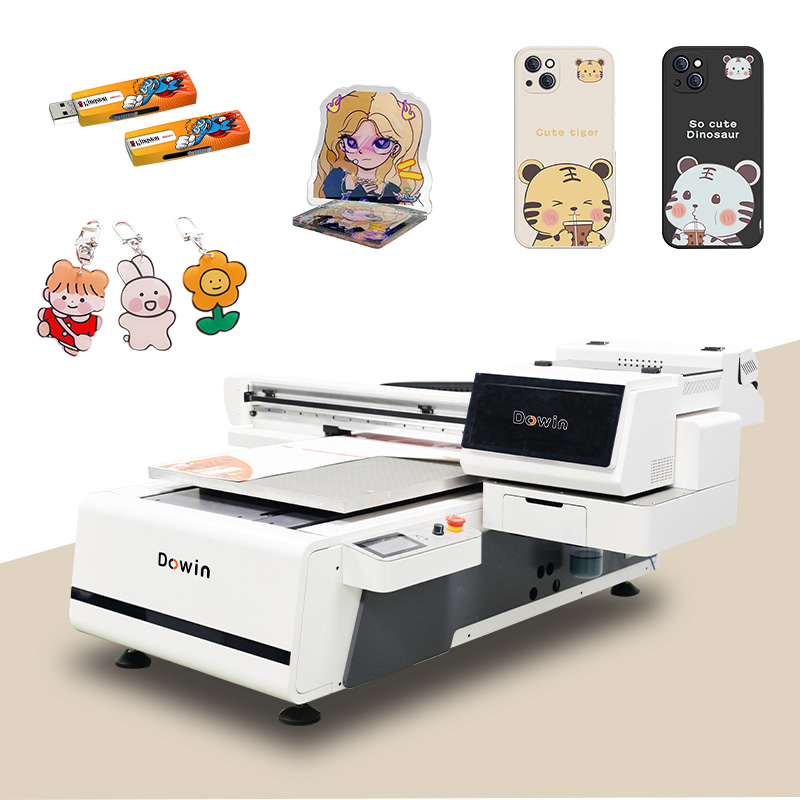
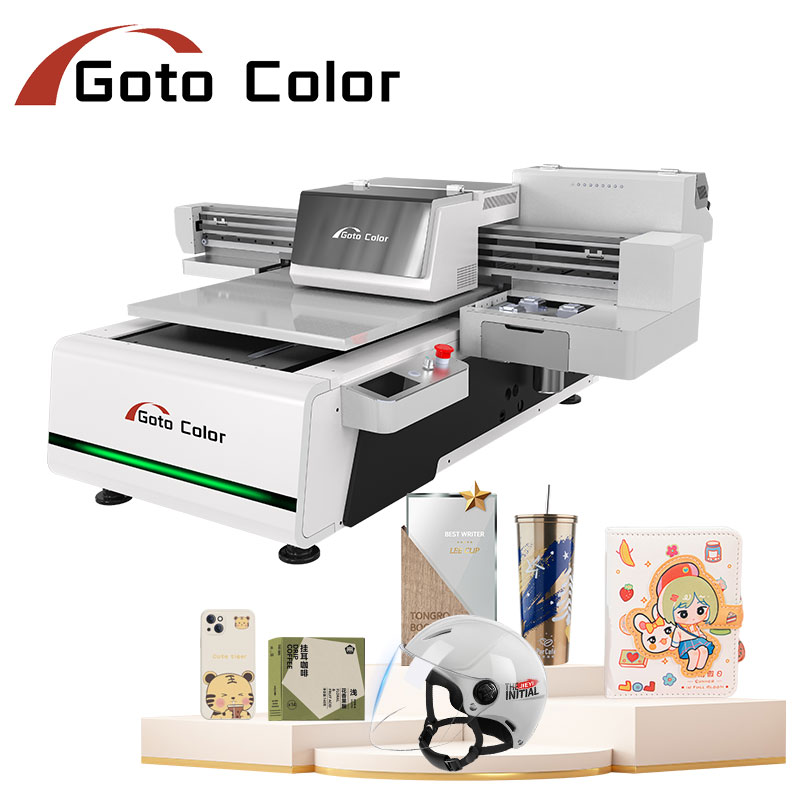
- Best For: Rigid materials (wood, acrylic, glass, metal, signage)
- Typical Price Range: $5,000 – $30,000+
- Key Features: Fixed printing surface, varying bed sizes, vacuum systems
- Business Fit: Sign shops, furniture decorators, industrial part marking
Hybrid UV Printers
- Best For: Both rigid and flexible materials (roll-to-roll capability)
- Typical Price Range: $10,000 – $50,000+
- Key Features: Convertible flatbed/roll system, versatile applications
- Business Fit: Print shops needing maximum versatility
Cylindrical/Rotary UV Printers
- Best For: Bottles, tumblers, pens, cylindrical objects
- Typical Price Range: $8,000 – $25,000+
- Key Features: Rotary attachments, specialized chucks
- Business Fit: Promotional product companies, drinkware customization
Core Technical Specifications to Compare
Print Area (Most Common Sizes)
| Size Designation | Dimensions | Best Business Applications |
|---|---|---|
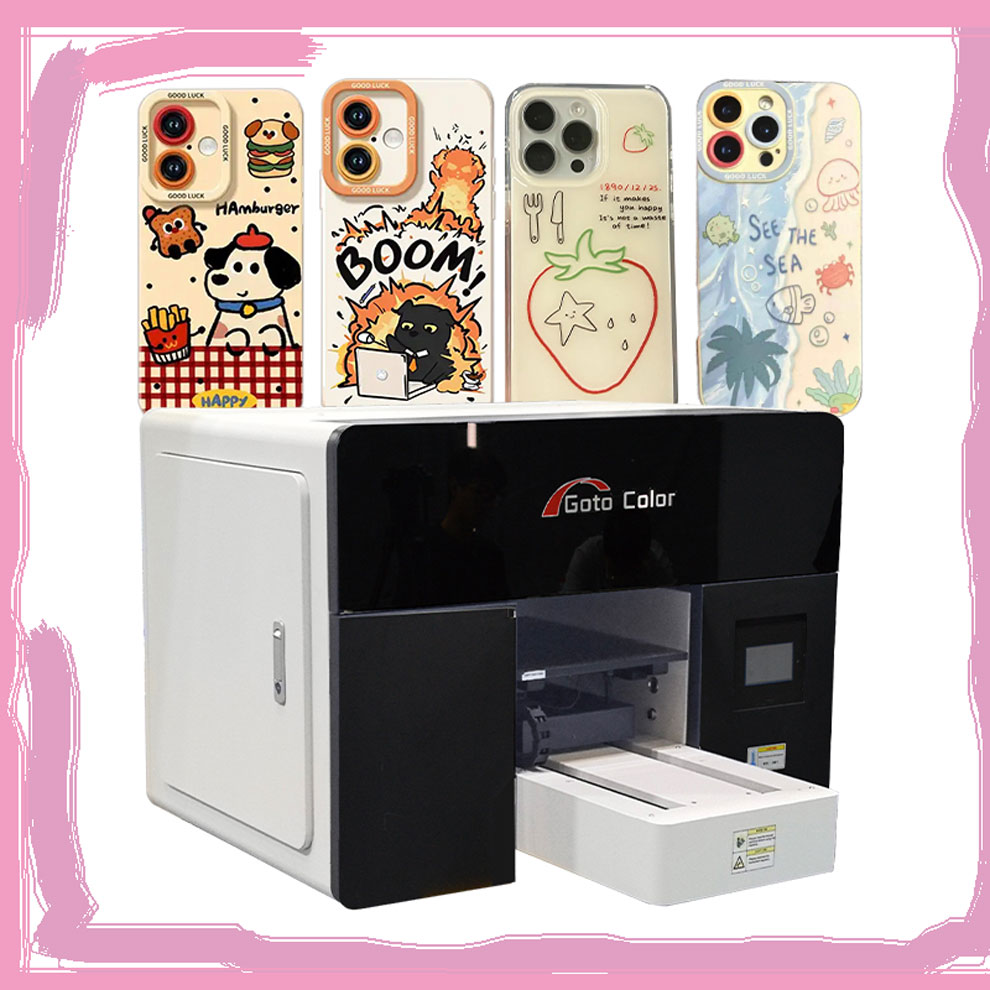
| 6040 | 60×40 cm | Small gifts, phone cases, prototypes |
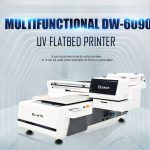
| 6090 | 60×90 cm | Signage, panels, small to medium production |
| 130×250 cm | 51×98 in | Large signage, architectural panels |
| 2.5×1.3 m | 8.2×4.3 ft | Industrial production, mass manufacturing |
Print Head Technology
| Head Type | Speed | Precision | Durability | Cost |
|---|---|---|---|---|
| Epson DX Series | Good | Excellent | Good | $ |
| Ricoh Gen5/6 | Excellent | Very Good | Very Good | $$ |
| Kyocera/KJ4 | Excellent | Good | Excellent | $$$ |
| Konica Minolta | Very Good | Excellent | Very Good | $$$ |
Ink System Configuration
- Basic: CMYK (for light-colored materials only)
- Standard: CMYK + White (for dark/transparent materials)
- Advanced: CMYK + White + Varnish/Primer (professional finishes)
- Premium: Full spot color capabilities
Business-Specific Recommendations
For Startups & Small Businesses
- Budget: $5,000 – $15,000
- Recommended: 6090 flatbed with CMYK+White
- Why: Versatile enough for multiple applications while keeping initial costs manageable
- Brands to Consider: Entry-level models from established manufacturers
For Established Print Shops
- Budget: $15,000 – $30,000
- Recommended: Hybrid UV printer or larger format flatbed
- Why: Increased productivity justifies investment; versatility attracts more clients
- Key Features: Multiple print heads, automation features, reliable service support
For Industrial/Manufacturing Applications
- Budget: $30,000+
- Recommended: Industrial flatbed with automation
- Why: High throughput, reliability, and lowest cost-per-print
- Must-Have Features: Auto-loading, robust construction, factory-level support
Hidden Costs & Total Cost of Ownership
| Cost Category | Estimated Annual Cost | Considerations |
|---|---|---|
| Ink Consumables | $2,000 – $10,000+ | Varies by print volume; white ink typically most expensive |
| Print Head Replacement | $500 – $3,000 per head | Every 1-3 years depending on use |
| Maintenance Contracts | $1,000 – $5,000 | Highly recommended to prevent downtime |
| Electricity & Utilities | $500 – $2,000 | UV curing and vacuum systems consume significant power |
| Training & Labor | Variable | Operator training affects productivity and waste |
5-Step Selection Process
- Define Your Core Business – List your top 5 planned applications
- Calculate Required Throughput – Estimate daily output in square feet/meters
- Set Realistic Budget – Include all startup costs plus 6 months of operating expenses
- Research & Shortlist – Identify 3-5 models meeting your technical and budget needs
- Request Demos & References – Always test with your actual materials before buying
Red Flags to Avoid
⚠️ No Clear Warranty Terms – Avoid vendors with vague warranty policies
⚠️ Unrealistically Low Pricing – Often indicates inferior components or hidden costs
⚠️ Poor Technical Support – Test response times before purchase
⚠️ No Local Service Network – Critical for minimizing downtime
⚠️ Limited User Community/Reviews – New or unknown brands carry higher risk
Post-Purchase Success Tips
- Invest in Training – Don’t skip operator training sessions
- Start with Standard Materials – Master basics before experimenting
- Implement Maintenance Schedule – Follow manufacturer guidelines strictly
- Track Costs Per Job – Understand your true profitability
- Join User Communities – Learn from other business owners’ experiences
Final Recommendation
The “right” UV printer is the one that:
- Meets 90% of your immediate application needs
- Fits within your total budget (purchase + 1 year operating costs)
- Comes from a manufacturer with proven local support
- Allows for reasonable growth without immediate replacement
Next Step: Before contacting vendors, document your specific requirements including material samples, production volume estimates, and space limitations. This preparation will help you get accurate quotes and avoid costly mismatches.
Remember: The most expensive printer isn’t necessarily the best for your business, and the cheapest often costs more in the long run through downtime and limitations. Balance capability, reliability, and support to make the optimal choice for your specific situation.