
Home › Forums › DTF Printer Hub › Print Head Care After Printing: From Routine Cleaning to Profit Protection
Tagged: Print Head Care After Printing
- This topic is empty.
-
AuthorPosts
-
19 March 2026 at 5:36 pm #1010
Dowinsss
KeymasterPrint Head Care After Printing: From Routine Cleaning to Profit Protection
In modern digital printing, the print head is not just a component—it is the economic heartbeat of the entire machine. Yet most operators treat post-print maintenance as a routine checkbox rather than a strategic advantage. This mindset is costly. Data across industrial printing environments shows that more than 60% of print quality failures originate from poor maintenance habits rather than hardware defects.
This article reconstructs the logic of print head maintenance after printing jobs—eliminating outdated habits and reframing it as a system of control, efficiency, and long-term profitability.
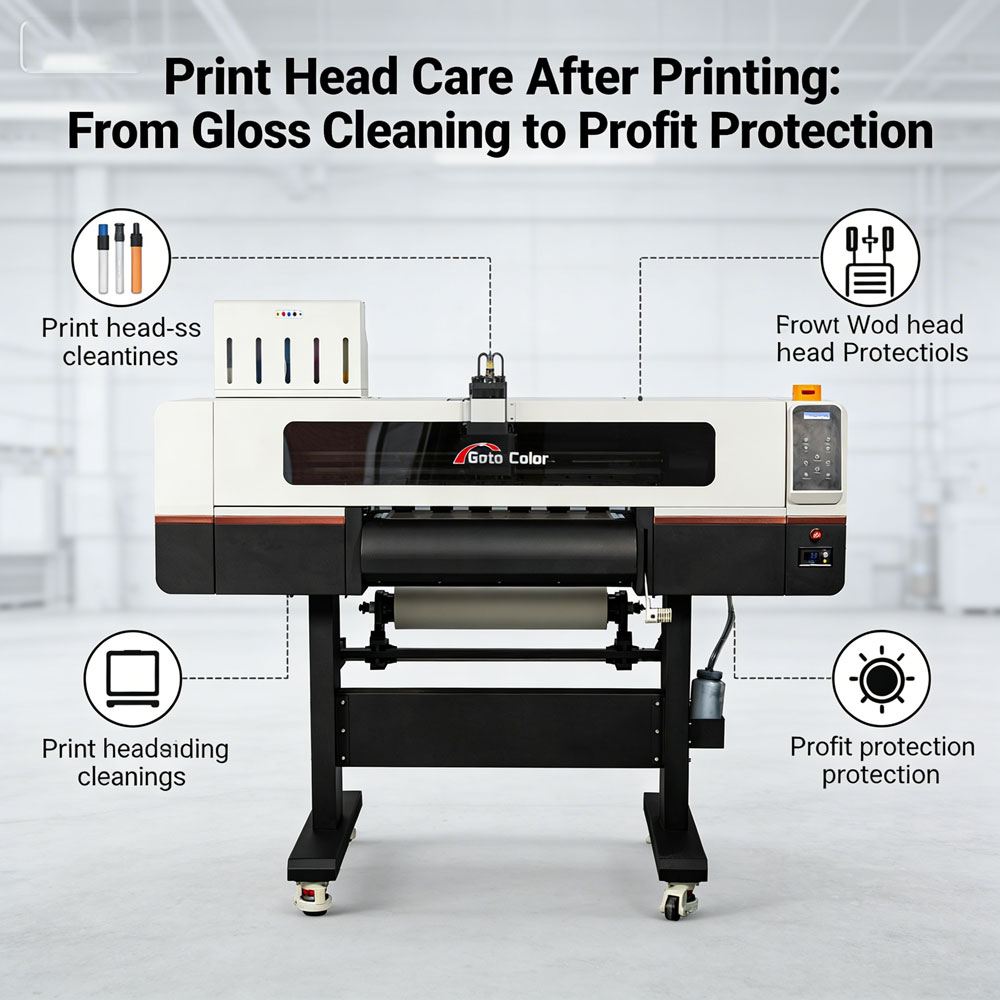
1. After Printing: What Actually Happens Inside the Print Head
When a print job ends, the system does not “rest.” Instead, it enters a vulnerable transition phase:
-
Residual ink begins to evaporate or thicken
-
Micro nozzles accumulate pigment particles and debris
-
Air bubbles may enter ink channels under pressure
-
Temperature drops increase ink viscosity and clog risk
If ignored, these microscopic changes evolve into:
-
Banding and missing lines
-
Ink misfiring and color deviation
-
Permanent nozzle damage
This is why post-job maintenance is not optional—it is preventive engineering.
2. The New Standard Workflow (Rebuilt, Not Repeated)
Forget generic “clean after printing” advice. A high-efficiency workflow should follow a structured sequence:
Step 1 — Controlled Cleaning (Not Excessive Cleaning)
-
Run a single standard cleaning cycle
-
Avoid repeated cleaning unless defects appear
Over-cleaning is one of the most underestimated risks—it accelerates wear on the nozzle plate and shortens lifespan.
Step 2 — Immediate Nozzle Verification
-
Print a test pattern right after cleaning
-
Check for:
-
Missing nozzles
-
Uneven ink distribution
-
This simple step acts as early fault detection, preventing minor issues from scaling into downtime.
Step 3 — Surface-Level Precision Cleaning (If Needed)
For high-viscosity ink systems (such as DTF or UV):
-
Gently wipe nozzle surface with approved solution
-
Never use water or alcohol substitutes
-
Avoid abrasive materials
Improper cleaning chemicals can corrode internal structures, not just clean them.
Step 4 — Seal the System (Critical but Ignored)
-
Return print head to the capping station
-
Ensure airtight sealing
This prevents:
-
Ink drying
-
Dust contamination
-
Oxidation inside nozzles
A printer that is “off but uncapped” is already degrading.
3. The Hidden Variable: Environment Control
Most operators focus on the machine and ignore the room. That is a mistake.
Optimal conditions:
-
Temperature: 20–25°C
-
Humidity: 40–60%
Low humidity alone can cause print heads to dry even if maintenance is correct.
In other words:
A perfect cleaning routine cannot compensate for a bad environment.
4. Usage Pattern Strategy (The Real Differentiator)
Maintenance is not one-size-fits-all. It must adapt to usage frequency:
High-Volume Production
-
Light cleaning after each job
-
Scheduled deeper cleaning weekly
-
Continuous monitoring
Intermittent Use (Most Dangerous Scenario)
-
Full cleaning before and after use
-
Weekly “keep-alive” print cycles
-
Avoid long idle periods
Machines that sit idle fail faster than machines that work continuously.
5. Common Mistakes That Destroy Print Heads Faster Than Usage
Mistake 1 — Over-cleaning
Leads to mechanical wear and premature failure
Mistake 2 — Cheap or incompatible ink
Causes particle buildup and chemical damage
Mistake 3 — Improper shutdown
Cutting power directly leaves nozzles exposed
Mistake 4 — Ignoring inspection
Small defects become irreversible damage
Mistake 5 — “Maintenance only when problems appear”
At that point, it is already too late
6. A Different Perspective: Maintenance as Profit Strategy
Traditional thinking:
Maintenance = cost
Correct thinking:
Maintenance = margin protection
Consider this:
-
One clogged print head can halt production for hours
-
Replacement costs are significantly higher than routine care
-
Inconsistent output damages client trust
Consistent maintenance delivers:
-
Stable print quality
-
Reduced downtime
-
Predictable production cycles
7. Final Insight: The Shift Most Operators Never Make
The industry’s biggest misconception is treating maintenance as a reaction.
The real upgrade is this:
Maintenance should be designed as a controlled system, not a response to failure.
When done correctly:
-
Cleaning becomes minimal
-
Failures become rare
-
Equipment lifespan extends naturally
Conclusion
Print head maintenance after printing jobs is not about cleaning—it is about control.
By combining:
-
precise cleaning routines
-
environmental discipline
-
usage-based strategies
you transform maintenance from a repetitive task into a competitive advantage.
Most businesses optimize machines.
The smart ones optimize what happens after the machine stops. -
-
AuthorPosts
- You must be logged in to reply to this topic.