
Home › Forums › DTF Printer Hub › How to Use DTF Film for Maximum Print Quality
- This topic is empty.
-
AuthorPosts
-
13 March 2026 at 7:14 pm #987
Dowinsss
KeymasterHow to Use DTF Film for Maximum Print Quality
The rise of on-demand apparel production has transformed the garment printing industry. Small clothing brands, online stores, and print-on-demand businesses increasingly rely on Direct-to-Film (DTF) technology because it allows vibrant designs to be transferred onto almost any fabric without complex pretreatment.
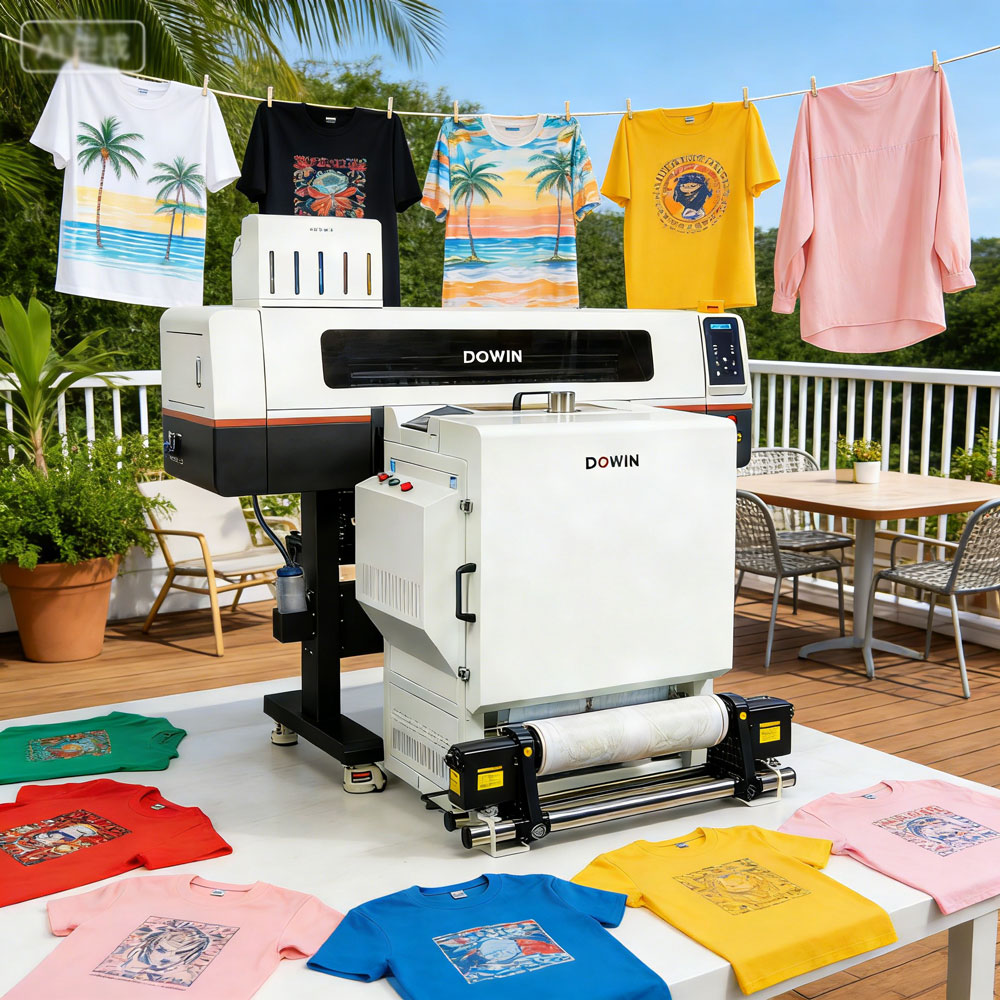
However, the true performance of DTF printing depends heavily on how the DTF transfer film is used. Even a high-quality printer cannot compensate for poor workflow control. In practice, the film is not just a carrier sheet—it is a critical component that determines adhesion, color accuracy, and long-term durability.
Understanding how to use DTF film correctly can dramatically improve print results and production efficiency.
Understanding the Role of DTF Film
DTF film acts as the temporary carrier for printed graphics before they are transferred to fabric. During the process, pigment inks are printed onto a coated PET film, adhesive powder is applied, and heat is used to bond the design to the garment.
Three key materials work together in this system:
-
PET transfer film – holds the design during printing and transfer
-
Pigment inks – provide the colors and white base layer
-
Hot-melt adhesive powder – bonds the design to fabric fibers
If any of these components are poorly handled, the final print may suffer from weak adhesion, rough texture, or faded colors.
Step 1: Printing on the Film
The first stage is printing the design onto the film using pigment inks. The artwork must be mirrored so that it appears correctly after transfer.
Most workflows begin by printing a white base layer, followed by CMYK colors. This white layer ensures vibrant colors even on dark fabrics.
A stable printing environment is essential. Dust, static electricity, or humidity fluctuations can affect ink placement and lead to uneven prints.
For best results, the printable side of the film—usually the matte surface—must always face the printheads.
Step 2: Applying Adhesive Powder Correctly
After printing, hot-melt adhesive powder is applied while the ink is still wet. The powder sticks only to areas where ink has been deposited, forming the bonding layer that will later attach the design to fabric.
Proper powder distribution is critical:
-
The powder must cover the printed design evenly.
-
Excess powder should be removed before curing.
-
Uneven coverage can cause rough textures or weak adhesion.
In industrial production, automated powder shakers are often used to ensure consistent application.
Step 3: Curing the Powder Layer
Once the powder has been applied, it must be melted to form a flexible adhesive layer. This process is called curing.
Typical curing conditions involve heating the film for several minutes at temperatures roughly between 120 °C and 170 °C, depending on the materials used.
During curing:
-
the powder melts
-
it bonds with the ink layer
-
the adhesive becomes smooth and elastic
If curing temperatures are too low, the powder may not melt completely, resulting in poor adhesion. If the temperature is too high, the film may warp or the adhesive may become brittle.
Consistency in curing temperature is therefore essential for reliable production.
Step 4: Preparing the Garment
Before transferring the design, the garment should be briefly pre-pressed in the heat press.
This step removes moisture and wrinkles from the fabric, ensuring a smooth surface for transfer.
Without this step, uneven fabric surfaces may prevent full contact between the design and the textile fibers.
Step 5: Heat Transfer
The cured film is placed onto the garment and pressed with heat and pressure. Typical transfer settings range around 160–170 °C for roughly 10–20 seconds, depending on the fabric and materials used.
This stage activates the adhesive powder and permanently bonds the printed design to the fabric.
Accurate pressure and temperature control are crucial. Insufficient heat may cause peeling after washing, while excessive heat can damage both the fabric and the design.
Step 6: Peeling the Film
After pressing, the transfer film must be removed according to the film type.
Some films are hot-peel, meaning they can be removed immediately after pressing. Others are cold-peel, requiring the design to cool before the film is removed.
As the adhesive cools, it forms a strong bond that locks the pigment into the fabric fibers.
Removing the film too early may damage the transfer.
Step 7: Post-Pressing for Durability
A final pressing step is often recommended to enhance durability and improve the feel of the design.
During this stage, the garment is pressed again for several seconds using parchment paper or a protective sheet.
This final press helps:
-
smooth the surface
-
strengthen adhesion
-
increase resistance to washing and abrasion
Properly cured DTF transfers can withstand dozens of wash cycles without cracking or fading.
Environmental Factors That Affect DTF Film
Many printing problems originate not from equipment but from environmental conditions.
Humidity plays a particularly important role. Excess moisture can cause film coatings to absorb water, leading to sticky surfaces or uneven powder adhesion.
Ideal conditions generally include:
-
moderate humidity levels
-
stable room temperature
-
clean, dust-free working areas
Proper storage of film rolls—sealed and protected from moisture—also helps maintain consistent performance.
A New Perspective: DTF Film Is a Precision Component
Many beginners treat DTF film as a simple consumable.
In reality, it behaves more like a precision industrial material. The coating chemistry, thickness, and surface energy of the film directly affect how ink spreads, how powder adheres, and how the final design performs after washing.
In other words, the film is not merely a temporary carrier—it is a core engineering element of the DTF process.
Companies that understand this often achieve significantly better results with the same equipment.
Conclusion
DTF printing has revolutionized textile decoration by allowing businesses to create vibrant, durable designs with minimal setup. Yet achieving professional-level results requires careful control of every step involving the transfer film.
The key practices include:
-
printing on the correct side of the film
-
applying adhesive powder evenly
-
maintaining stable curing temperatures
-
controlling heat-press parameters
-
managing humidity and storage conditions
When these factors are optimized, DTF film becomes a powerful tool capable of producing high-quality transfers on a wide range of fabrics.
For apparel businesses seeking to compete in the fast-growing customization market, mastering the use of DTF film is not just a technical skill—it is a strategic advantage.
-
-
AuthorPosts
- You must be logged in to reply to this topic.